 LaptopScout
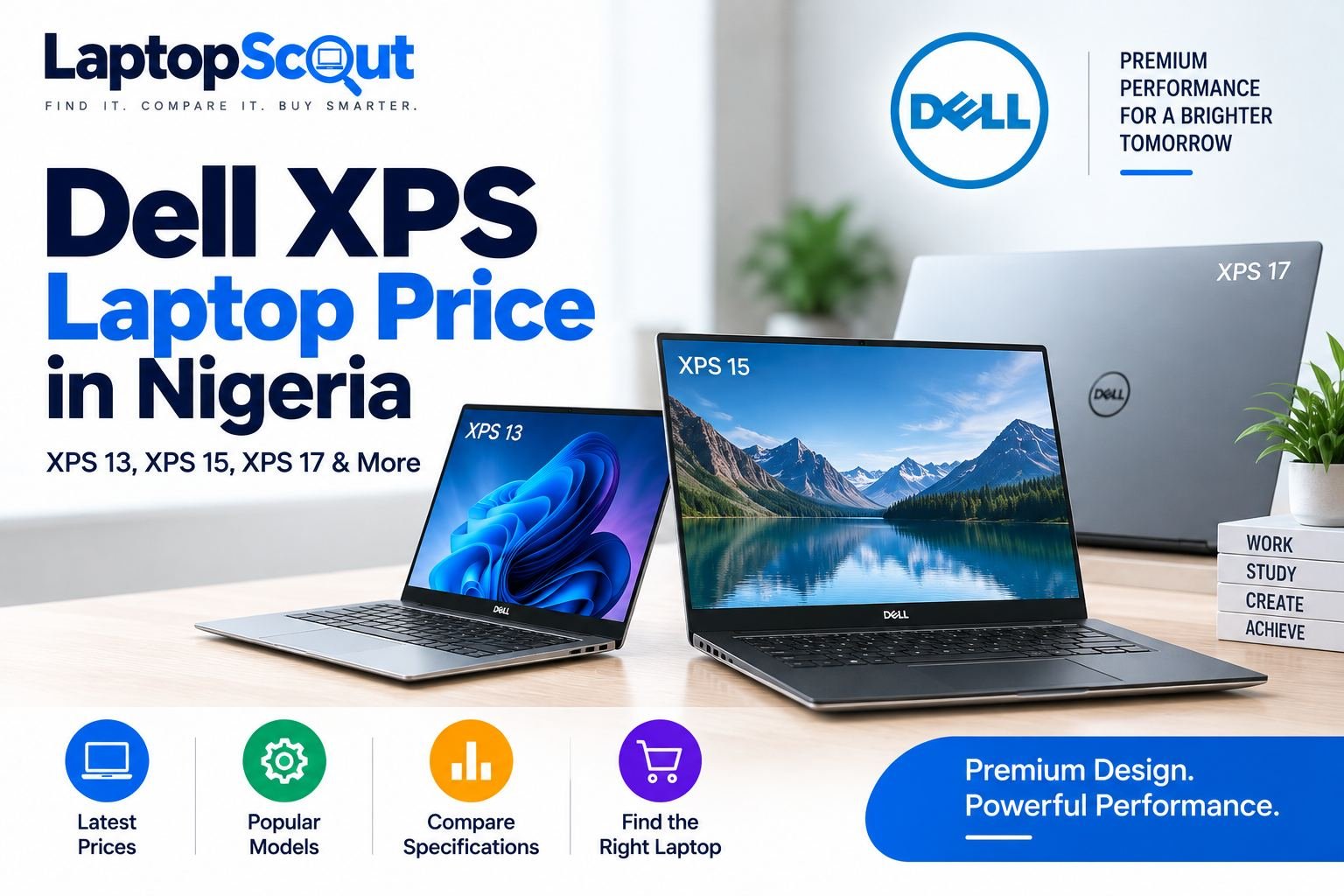
If you are looking for a premium Dell laptop with a slim design, strong performance and a high-quality display, the Dell XPS series is worth considering.
The XPS lineup sits above Dell’s more business-focused Latitude range and is designed for people who want a combination of performance, portability and premium build quality. Depending on the model and configuration, an XPS laptop can be suitable for students, professionals, programmers, business owners, designers and other demanding users.
But how much is a Dell XPS laptop in Nigeria?
The answer depends heavily on the model, processor, RAM, storage, graphics and whether you are buying a new or pre-owned machine.
Current examples show that older XPS 13 models can be found from around ₦285,000, while higher-performance XPS 15 configurations can cost ₦500,000 to ₦875,000 or more.
Below, we look at the most popular models, including the Dell XPS 13, XPS 15, XPS 17, XPS 14 and XPS 16.
Dell XPS Laptop Price in Nigeria
There is no single price for a Dell XPS laptop because the series includes several screen sizes and generations.
Here is a general idea of what you can expect:
| Dell XPS model | Typical configuration | Example price |
|---|---|---|
| Dell XPS 13 | Core i5, 8GB, 256GB SSD | ₦285,000 |
| Dell XPS 13 | Core i7, 8GB, 256GB SSD | ₦335,000–₦385,000 |
| Dell XPS 15 | Core i5, 8GB, 512GB SSD | ₦540,000+ |
| Dell XPS 15 | Core i7, 16GB, 512GB SSD, dedicated graphics | ₦875,000 |
| Dell XPS 17 | Depends on generation/configuration | Varies |
| Dell XPS 14 | Depends on generation/configuration | Varies |
| Dell XPS 16 | Depends on generation/configuration | Varies |
These are examples rather than fixed market prices. Stock, condition and configuration can cause significant differences.
Want to see the latest XPS models and prices? Check the available Dell XPS laptops before making a decision.
Dell XPS 13 Price in Nigeria
The Dell XPS 13 is one of the best options if portability is your priority.
It has a smaller screen than the XPS 15 and XPS 17, making it easier to carry around for school, work, meetings and travel.
Older XPS 13 configurations can also be considerably cheaper than larger XPS models.
For example, current listings include a Dell XPS 13 9350 Core i5 with 8GB RAM and 256GB SSD at about ₦285,000, while a Core i7 touchscreen configuration is around ₦335,000. Another Core i7 version without the touchscreen configuration is listed around ₦385,000.
Who should buy the XPS 13?
The XPS 13 makes sense if you want:
- A compact laptop
- Easy portability
- A premium-looking design
- Fast SSD storage
- A laptop for office work
- A laptop for school
- Programming and development
- Online meetings and remote work
If you regularly travel with your laptop, the smaller XPS 13 can be more convenient than carrying a 15-inch or 17-inch machine.
Check Dell XPS 13 prices
Looking for a Dell XPS 13? Check the latest available models and choose the configuration that fits your budget.
Dell XPS 15 Price in Nigeria
The Dell XPS 15 is arguably the most interesting model in the XPS family for buyers who want a balance between screen size and performance.
It gives you more screen space than the XPS 13 without becoming as large as the XPS 17.
The price varies considerably depending on the generation and specifications.
For example, a Dell XPS 15 9575 2-in-1 with an 8th Gen Core i5, 8GB RAM, 512GB SSD, 4GB dedicated graphics and touchscreen is currently listed around ₦540,000.
A higher-performance Dell XPS 15 7590 with a 9th Gen Core i7, 16GB RAM, 512GB SSD and 4GB NVIDIA GTX graphics is listed around ₦875,000.
This shows why searching only for “XPS 15 price” isn’t enough. Two XPS 15 laptops can have dramatically different prices because their specifications are different.
Dell XPS 15 specifications to look for
If you are buying an XPS 15, pay attention to:
- Processor generation
- Core i5, i7 or i9
- RAM capacity
- SSD capacity
- Dedicated graphics
- Display resolution
- Touchscreen support
- Battery condition
- Overall physical condition
For everyday work, an XPS 15 with Core i5, 8GB RAM and an SSD may be enough.
For video editing, graphics work, programming with demanding applications and other intensive workloads, moving to 16GB RAM and dedicated graphics can make more sense.
Is the Dell XPS 15 worth buying?
For the right buyer, yes.
The larger screen makes it more comfortable for multitasking, spreadsheets, creative work and other tasks where screen space matters.
If you don’t need the extra screen size, however, an XPS 13 may give you better portability for less money.
Ready to compare available XPS 15 models? Check the current configurations and prices before buying.
Dell XPS 17 Laptop
The Dell XPS 17 is aimed at users who want a large display without moving into a traditional desktop-replacement laptop.
Its large screen can be useful for:
- Video editing
- Graphic design
- Programming
- Large spreadsheets
- Content creation
- Multitasking
- Professional applications
Because XPS 17 models can have substantially different processors, graphics and displays, the price varies significantly between generations.
If you are considering one, don’t compare the price alone. Look at the complete configuration.
A more expensive XPS 17 with a newer processor and dedicated graphics could offer much better value for a professional user than an older model at a lower price.
Check available Dell XPS 17 models and compare their specifications before choosing one.
Dell XPS 14
The Dell XPS 14 sits between the smaller XPS 13 and larger XPS models.
It can appeal to buyers who want something more spacious than an ultraportable laptop without going all the way to a 15- or 17-inch machine.
Depending on the generation, you may find configurations with:
- Intel Core processors
- High-resolution displays
- 16GB or more RAM
- SSD storage
- Dedicated graphics
- Premium aluminum construction
Because newer XPS 14 models can be significantly more expensive than older XPS machines, always check the processor generation and configuration before comparing prices.
Dell XPS 16
The Dell XPS 16 is designed for users who want a large premium laptop with modern hardware.
It is particularly interesting for people who need more performance than a compact ultrabook can provide.
Depending on the configuration, an XPS 16 can be suitable for:
- Professional creative work
- Video editing
- Programming
- Engineering applications
- Design
- Heavy multitasking
- Content creation
It is not necessarily the best choice for someone who only needs a laptop for browsing, Word and basic office work. In that case, a less expensive Dell model could provide better value.
Dell XPS 13 vs XPS 15 vs XPS 17
Choosing between the models becomes easier when you think about how you use your laptop.
| Model | Best for |
|---|---|
| XPS 13 | Portability, students, office work and travel |
| XPS 14 | Portable performance with a larger screen |
| XPS 15 | Performance, productivity and creative work |
| XPS 16 | Modern high-performance workloads |
| XPS 17 | Large-screen productivity and professional work |
For most people, the XPS 13 and XPS 15 are the easiest models to recommend.
The XPS 13 is better if portability is your priority.
The XPS 15 is more suitable if you want additional screen space and performance.
Dell XPS Core i5 vs Core i7
The processor is one of the biggest factors affecting the price of an XPS laptop.
A Core i5 model is usually enough for:
- Microsoft Office
- Web browsing
- Online classes
- Business applications
- Programming
- Research
- Everyday multitasking
A Core i7 becomes more attractive when you regularly perform demanding tasks or simply want more performance headroom.
However, don’t assume that every Core i7 is better than every Core i5.
Processor generation matters.
A newer Core i5 can outperform an older Core i7 in some situations, so check the exact processor model before purchasing.
How Much RAM Do You Need?
For most buyers, 8GB RAM is the minimum I would recommend for an older XPS laptop.
If your budget allows it, 16GB RAM is a better long-term choice.
Consider 16GB or more if you regularly:
- Run many browser tabs
- Use Photoshop or similar applications
- Program with large development environments
- Edit videos
- Use virtual machines
- Multitask heavily
For a premium laptop like the XPS, it is usually better to spend your money on a balanced configuration rather than simply choosing the highest processor available.
SSD Storage Is Important
Another specification worth paying attention to is storage.
I would generally recommend an XPS laptop with an SSD rather than an older configuration using a mechanical hard drive.
A 256GB SSD can work for basic users, but 512GB is more comfortable if you store large files, applications, photos and videos locally.
If you are buying an XPS 15 for creative work, 512GB or more can be particularly useful.
Is Dell XPS Good for Students?
Yes, particularly the XPS 13.
Students who need a laptop for research, Microsoft Office, programming, online learning and general productivity can benefit from its compact design.
The main consideration is price.
You don’t necessarily need an expensive high-end XPS configuration for school work. An older XPS 13 with a good SSD, adequate RAM and a healthy battery may be enough.
Is Dell XPS Good for Programming?
Yes.
The XPS range is popular with users who want a premium laptop for software development.
For programming, I would look for:
Core i5 or Core i7 + 16GB RAM + SSD
if your budget permits.
For basic web development, Python, JavaScript and similar workloads, you don’t need an extremely powerful configuration.
Developers working with virtual machines, containers, Android Studio, large projects or multiple development environments will benefit from more RAM and a newer processor.
Is Dell XPS Good for Graphic Design and Video Editing?
It can be.
For creative work, the XPS 15 and XPS 17 are generally more interesting than the XPS 13 because of their larger displays and the availability of configurations with dedicated graphics.
For video editing and other GPU-intensive work, don’t just look at the “XPS” name.
Check:
- GPU model
- VRAM
- RAM
- Processor generation
- SSD capacity
- Display resolution
- Cooling
- Battery condition
A properly configured XPS 15 can be a much better creative-work machine than a low-spec XPS 13.
What Makes the Dell XPS Different?
The XPS series is positioned as a premium line, so you are paying for more than just processor speed.
Depending on the model, you can get:
- Premium materials
- Slim design
- High-quality displays
- Narrow display bezels
- Comfortable keyboards
- Fast SSD storage
- Strong performance
- Portable designs
This is why an XPS laptop can cost more than a similarly specced Latitude.
If price is your only concern, a Latitude may provide better value.
If you care about design, display quality, portability and premium construction, XPS becomes more attractive.
Things to Check Before Buying a Pre-Owned Dell XPS
If you are buying a pre-owned XPS, inspect more than the specifications.
Check the battery
Battery health is particularly important on a used premium laptop.
Inspect the display
Look for dead pixels, screen lines, flickering and other display problems.
Test the keyboard and trackpad
Make sure every important key works and the trackpad responds properly.
Check the USB and charging ports
Test the ports before completing your purchase.
Check the SSD
Confirm the advertised storage capacity.
Check the charger
Make sure the correct charger is included and works properly.
Check the hinges and body
Look for cracks, dents or excessive wear around the hinges and chassis.
Check the exact processor
Don’t rely only on “Core i5” or “Core i7.” Verify the generation and exact processor model.
Which Dell XPS Should You Buy?
The right choice depends on your budget.
Best for portability: Dell XPS 13
Choose the XPS 13 if you want a compact premium laptop that is easy to carry.
Best overall balance: Dell XPS 15
The XPS 15 is a strong choice if you want more screen space and performance while keeping the laptop relatively portable.
Best for large-screen work: Dell XPS 17
Choose the XPS 17 if screen size is particularly important to your work.
Best for demanding modern workloads: XPS 16
Consider the XPS 16 if you want a newer premium machine with modern hardware and don’t mind spending more.
Current Dell XPS Models Worth Checking
Here are some configurations worth watching when shopping for a Dell XPS in Nigeria:
Dell XPS 13 9350- Core i5, 8GB RAM, 256GB SSD
A relatively affordable way to get into the XPS range. Current examples are around ₦285,000.
Dell XPS 13 9350 – Core i7, 8GB RAM, 256GB SSD
A Core i7 touchscreen configuration is currently around ₦335,000, although condition and configuration can affect the price.
Dell XPS 15 9575 2-in-1 – Core i5, 8GB RAM, 512GB SSD
A convertible XPS 15 with touchscreen and dedicated graphics. Current sale pricing is around ₦540,000.
Dell XPS 15 7590 – Core i7, 16GB RAM, 512GB SSD
A considerably more powerful configuration with dedicated NVIDIA graphics, currently around ₦875,000.
Prices and stock can change, so use these figures as a guide rather than a guarantee.
Final Thoughts
The Dell XPS range is a good option if you want a laptop that combines performance, portability and premium design.
If you have a smaller budget, an older XPS 13 can give you the premium XPS experience without the price of a newer high-performance model.
If you want a larger display and more performance, the XPS 15 is probably the most versatile choice.
For professionals who need a large screen, the XPS 17 is worth considering, while newer models such as the XPS 14 and XPS 16 are aimed at buyers looking for more modern premium hardware.
Before buying, compare the processor generation, RAM, SSD, graphics, display and condition rather than choosing based on the XPS model number alone.
Ready to buy a Dell XPS laptop?
Don’t choose based on price alone. Compare the available configurations and check the specifications of the exact laptop you want before placing your order.
Browse available Dell XPS laptops and check the current price →

 LaptopScout





1 comment