 LaptopScout
If you’re looking for a Dell Inspiron laptop in Nigeria, you’re probably comparing models, specifications and prices before deciding which one to buy.
The Inspiron range is one of Dell’s most popular laptop families because it covers a wide range of users. You can find smaller Inspiron laptops for students and everyday work, larger 15-inch and 16-inch models for productivity, and higher-spec configurations with Core i5 or Core i7 processors.
So, how much is a Dell Inspiron laptop in Nigeria?
The answer depends on the particular model, processor, RAM, storage, display and whether you’re buying a new or pre-owned laptop.
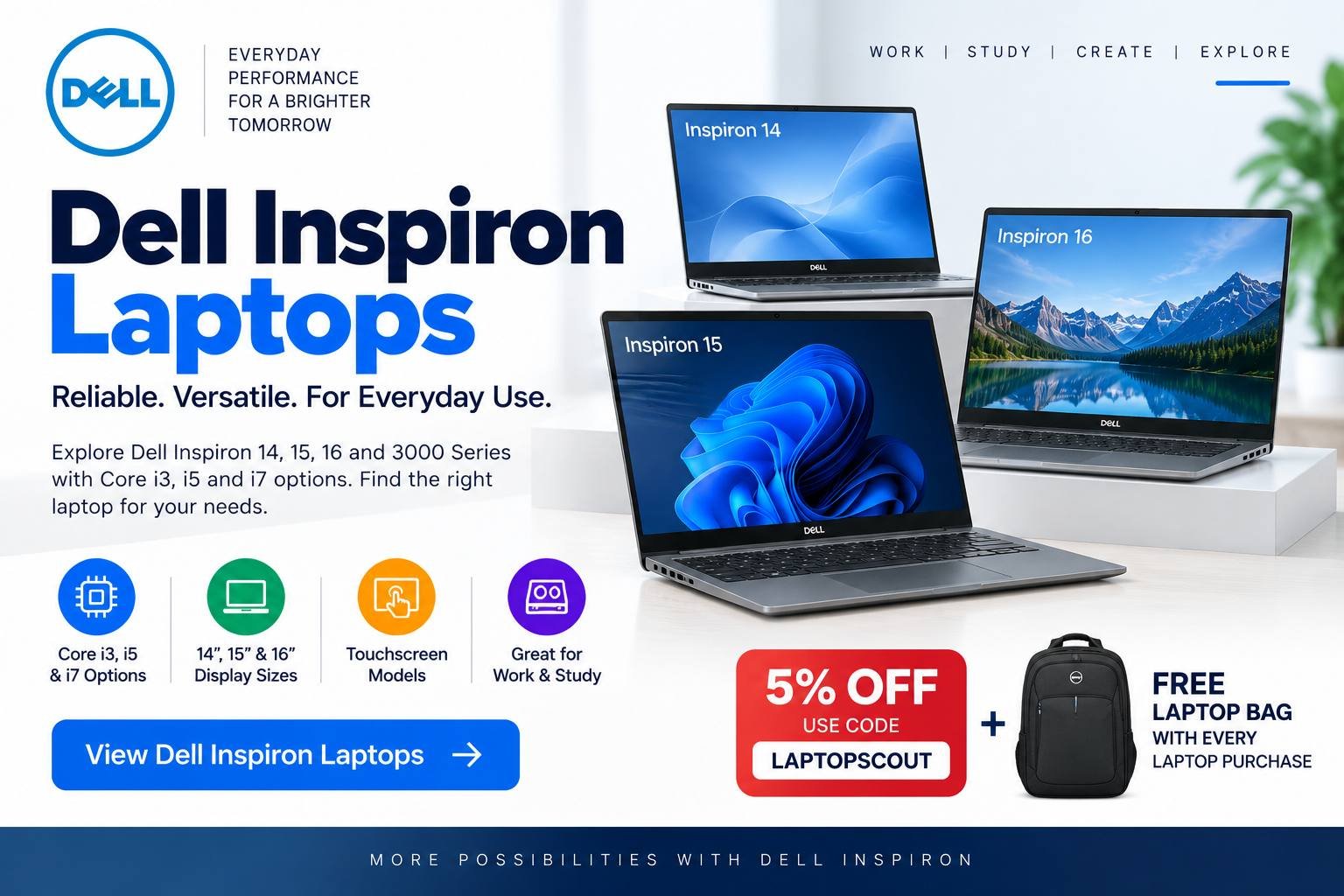
In this guide, we’ll look at the Dell Inspiron 15, Inspiron 14, Inspiron 16, Inspiron 15 3000 series, Core i3, Core i5 and Core i7 options, as well as touchscreen models.
Exclusive LaptopScout Deal
Get 5% Off Your Laptop Purchase
Use code LAPTOPSCOUT at checkout and get a free laptop bag with your laptop purchase plus free delivery to any part in Nigeria.
Check Dell Inspiron Laptops →
Dell Inspiron Laptop Price in Nigeria
Dell Inspiron prices vary considerably because the Inspiron family contains many different models and generations.
As a general guide, older pre-owned Inspiron models can be considerably cheaper, while newer configurations with Core i5 or Core i7 processors, larger SSDs and touchscreen displays cost more.
When comparing prices, don’t look at the model name alone. A Dell Inspiron 15 with a Core i3 processor can be very different from an Inspiron 15 with Core i7, 16GB RAM and a large SSD.
What affects the price?
The main factors are:
- Processor generation
- Core i3, i5 or i7 processor
- RAM capacity
- SSD or HDD storage
- Screen size
- Touchscreen support
- Display resolution
- Battery condition
- Overall condition
- Whether the laptop is new or pre-owned
This is why two laptops with “Inspiron 15” in the name can have very different prices.
Dell Inspiron 15
The Dell Inspiron 15 is probably the model to start with if you want a good balance between screen size, portability and price.
Its 15-inch-class display gives you more room for documents, spreadsheets, browsing and multitasking than a smaller laptop.
It is suitable for:
- Students
- Office workers
- Business owners
- Remote workers
- Freelancers
- Teachers
- Everyday home use
- Online learning
- Programming
For most people, a configuration with Core i5, 8GB RAM and an SSD is a good place to start.
If your budget is tighter, Core i3 can handle lighter tasks. If you need more demanding performance, Core i7 is worth considering.
Is Dell Inspiron 15 good?
Yes, particularly if you want an everyday laptop that isn’t too small.
The 15-inch format is useful if you spend a lot of time working with documents, spreadsheets or multiple windows.
If portability is more important than screen size, however, you may prefer an Inspiron 14.
Looking for a Dell Inspiron 15? Check the available configurations and current prices before choosing one.
Dell Inspiron 15 3000
The Dell Inspiron 15 3000 series is one of the more budget-friendly options in the Inspiron family.
It’s aimed at people who want a practical laptop for everyday tasks without paying for Dell’s more premium ranges.
Depending on the generation and configuration, an Inspiron 15 3000 can be suitable for:
- Microsoft Word
- Excel
- Internet browsing
- Online classes
- Streaming
- Business applications
- Basic programming
- General home use
The important thing is to check the exact specifications.
A newer Inspiron 15 3000 with an SSD can be a better purchase than an older model with a higher-numbered processor but slow HDD storage.
Dell Inspiron 15 3000 specifications to look for
If you’re shopping for one, I’d prioritize:
Core i5 + 8GB RAM + 256GB SSD or larger
This gives you a good balance for everyday work.
If your budget is limited, a Core i3 version can still make sense for lighter workloads.
For demanding work, consider Core i5 or Core i7 with 16GB RAM.
Compare available Inspiron 15 3000 configurations before buying.
Dell Inspiron 14
If you want something more portable, consider the Dell Inspiron 14.
A 14-inch laptop is often easier to carry than a 15-inch model while still providing enough screen space for everyday productivity.
It’s a good option for:
- Students
- People who commute
- Remote workers
- Business professionals
- Freelancers
- Travellers
If you’re frequently moving between home, school and work, the smaller form factor can be more convenient.
The trade-off is that you have slightly less screen space than an Inspiron 15.
Dell Inspiron 14 vs Inspiron 15
The choice is fairly simple:
Choose Inspiron 14 if portability is more important.
Choose Inspiron 15 if you want more screen space.
For similar processors and specifications, I’d choose based on how often you carry the laptop around.
Dell Inspiron 16
The Dell Inspiron 16 is aimed at buyers who want even more screen space.
This can be useful for:
- Large spreadsheets
- Programming
- Research
- Content creation
- Multitasking
- Office work
- School projects
A larger screen can make it easier to have multiple applications open side-by-side.
The downside is that a larger laptop can be less convenient to carry around.
If you mostly work from one location, however, the larger display can be worth the extra size.
Check current Inspiron 16 configurations if you want a larger Dell laptop for work or study.
Dell Inspiron Core i3
If your budget is limited, a Dell Inspiron Core i3 can be a sensible option.
Core i3 models are generally suitable for lighter tasks such as:
- Browsing
- Word processing
- Online classes
- Basic spreadsheets
- YouTube and streaming
- School assignments
However, don’t assume that every Core i3 laptop performs the same way.
Processor generation matters.
A newer Core i3 with an SSD can feel much faster in everyday use than an older Core i5 paired with a mechanical hard drive.
Should you buy a Dell Core i3?
If you mainly need the laptop for basic work and want to keep the cost down, yes.
But if you expect to multitask heavily or keep the laptop for several years, I would consider stepping up to a Core i5 if your budget allows.
Dell Inspiron Core i5
For most buyers, Core i5 is the sweet spot.
A Dell Inspiron Core i5 can provide enough performance for:
- Microsoft Office
- Business applications
- Programming
- Research
- Browsing
- Online meetings
- Multitasking
- School work
- Light photo and video editing
If you’re unsure whether to buy Core i3 or Core i5, I’d generally choose Core i5 when the price difference is reasonable.
But again, compare generations.
A newer Core i5 is usually more attractive than an older one, even if both are simply advertised as “Core i5.”
Recommended configuration
For general use, look for:
Core i5 + 8GB RAM + 256GB SSD
If you frequently multitask, move up to:
Core i5 + 16GB RAM + 512GB SSD
Looking for a Dell Inspiron i5? Compare the available configurations and choose based on your actual workload.
Dell Inspiron Core i7
If you need more performance, you can move up to a Dell Inspiron Core i7.
Core i7 models can be useful for:
- Heavy multitasking
- Programming
- Content creation
- Photo editing
- Video editing
- Large spreadsheets
- More demanding professional applications
However, don’t automatically spend more simply because a laptop has an i7 badge.
For example, if your work consists mostly of Word, Excel and browsing, a good Core i5 configuration may provide everything you need.
The money may be better spent on additional RAM, a larger SSD or a newer processor generation.
Dell Laptop With Touchscreen
If you’re specifically searching for a Dell laptop with touchscreen, some Inspiron configurations are worth considering.
A touchscreen can be useful for:
- Browsing
- Presentations
- Drawing
- Note-taking
- Scrolling through documents
- Casual media use
But touchscreen models can cost more, and the feature isn’t essential for everyone.
If you rarely touch your laptop screen, I’d rather put the extra money toward:
- More RAM
- A larger SSD
- A newer processor
- A better display
If you actually use touch frequently, however, it can be a worthwhile feature.
Is a touchscreen Dell laptop worth it?
It depends on how you work.
For students, designers and people who like interacting directly with the screen, it can be useful.
For someone who mainly types documents, codes or works with spreadsheets, a conventional display may be perfectly adequate.
Dell Inspiron 15: Core i3 vs i5 vs i7
Here’s a simple way to choose.
| Processor | Best for | Who should choose it? |
|---|---|---|
| Core i3 | Basic tasks | Students and light users |
| Core i5 | Everyday + multitasking | Best choice for most buyers |
| Core i7 | Demanding workloads | Power users and professionals |
But remember that generation matters.
Don’t compare laptops only by saying:
“This one is i7, so it must be better.”
Check the exact processor model and generation.
How Much RAM Should You Get?
RAM affects how smoothly your laptop handles multiple applications.
8GB RAM
Good for:
- Browsing
- Word
- Excel
- Online classes
- Basic business work
16GB RAM
Better for:
- Heavy multitasking
- Programming
- Creative applications
- Large spreadsheets
- More demanding workloads
If you’re buying a Dell Inspiron today and plan to keep it for several years, 16GB is preferable when your budget allows it.
SSD vs HDD
Storage is another specification you should pay attention to.
An SSD makes Windows and applications feel considerably more responsive than a traditional mechanical hard drive.
If you’re choosing between:
Core i5 + 8GB + 256GB SSD
and
Core i7 + 8GB + 500GB HDD
I would often prefer the first option for everyday use, assuming the machines are otherwise comparable.
The SSD can make a noticeable difference in how quickly the laptop starts and applications open.
Which Dell Inspiron Should You Buy?
Your choice depends on what you’re looking for.
Best for most buyers: Inspiron 15
Choose the Inspiron 15 if you want a good balance of screen size, performance and portability.
Best for portability: Inspiron 14
Choose the Inspiron 14 if you travel frequently or want something easier to carry.
Best for a larger screen: Inspiron 16
Choose the Inspiron 16 if you work with documents, spreadsheets, research or multiple applications and want more screen space.
Best budget option: Inspiron 15 3000
Look at the Inspiron 15 3000 if you’re trying to get a practical Dell laptop without spending too much.
Best performance: Core i7 Inspiron
Choose Core i7 if your workload actually requires additional processing power.
Dell Inspiron vs Dell Latitude
If you’re deciding between Inspiron and Latitude, think about how you intend to use the laptop.
Inspiron is generally a good fit for everyday personal use, school, home and general productivity.
Latitude is more focused on business and professional use.
If you’re a student looking for a general-purpose laptop, Inspiron can be a good choice.
If you’re buying a laptop specifically for business use and value business-oriented features and construction, a Latitude may be more appropriate.
What to Check Before Buying a Dell Inspiron
Before you pay for any laptop, check the exact configuration.
1. Processor generation
Don’t just look at Core i3, i5 or i7.
Check the exact processor.
2. RAM
I’d recommend at least 8GB for most users.
3. Storage
Prefer an SSD whenever possible.
4. Screen
Check the resolution and whether it is touchscreen if that feature matters to you.
5. Battery
If you’re buying a pre-owned laptop, ask about battery condition.
6. Keyboard and ports
Test the keyboard, trackpad, USB ports, charging port, Wi-Fi and other connections.
7. Physical condition
Check the hinges, screen, chassis and keyboard for signs of excessive wear or damage.
Get 5% Off Your Laptop Purchase
If you’ve found the Dell laptop you want, there’s another reason to buy through our recommended offer.
Use coupon code: LAPTOPSCOUT
You can get 5% off your laptop purchase when you use our coupon code.
You also get a free laptop bag with every laptop purchased.
So before completing your order, enter:
LAPTOPSCOUT
at checkout and make sure the discount has been applied.
Save 5% + Get a Free Laptop Bag
Choose your laptop, use code LAPTOPSCOUT, and get your laptop purchase at a better price.
Check available Dell Inspiron laptops →
Final Verdict
The Dell Inspiron 15 is the best starting point for most people searching for an affordable, everyday Dell laptop.
If portability matters more, look at the Inspiron 14.
If you want more screen space, the Inspiron 16 is worth considering.
For a tighter budget, the Inspiron 15 3000 can be a practical choice.
And when choosing between processors, Core i5 is the sweet spot for most buyers, while Core i3 is suitable for lighter tasks and Core i7 makes more sense for demanding workloads.
Don’t choose based on the processor name alone. Compare the generation, RAM, SSD, display and overall condition of the exact laptop.
Ready to buy?
If you’ve already decided on the Inspiron model you want, don’t keep searching endlessly. Check the available configurations, compare the specifications, apply the LAPTOPSCOUT coupon code and complete your purchase.
Get 5% off + a free laptop bag with your laptop purchase.
[Check Dell Inspiron Laptops →]


 LaptopScout